
SkyGrid Flight Control2.4.4 - App Store
You'll be able to see results in few seconds.
Publisher Description
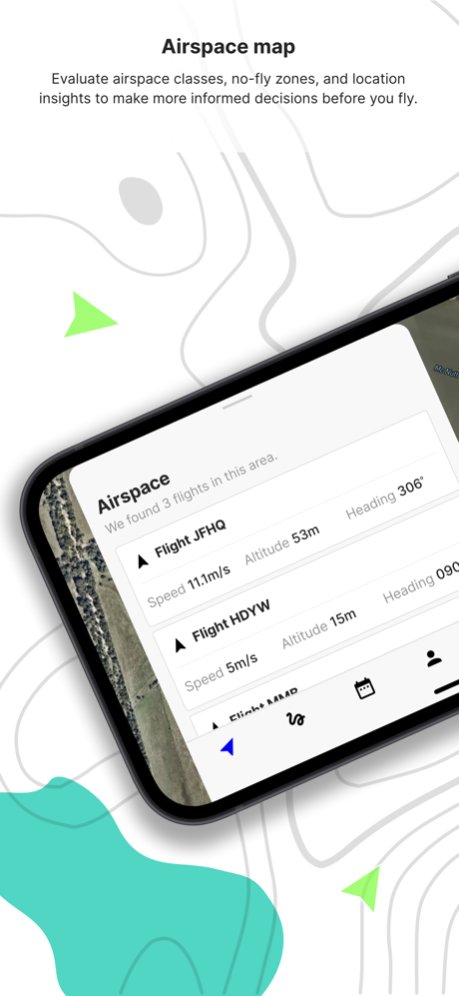
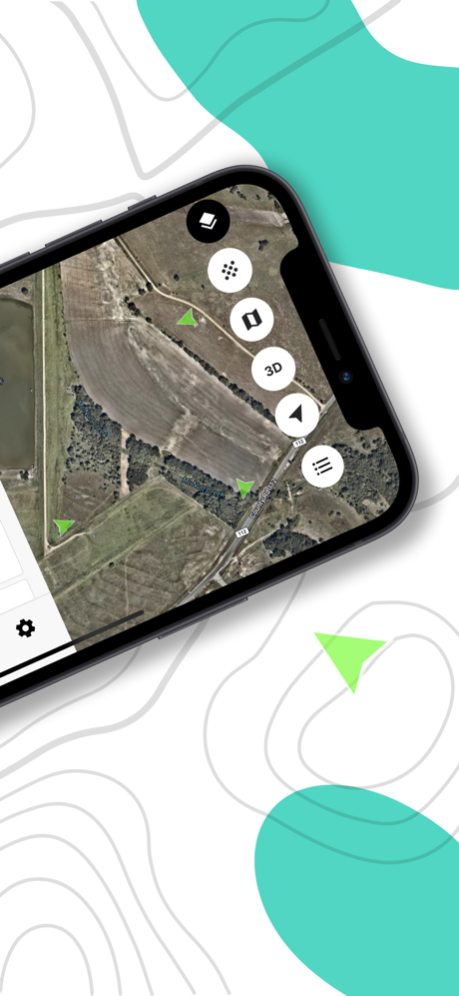

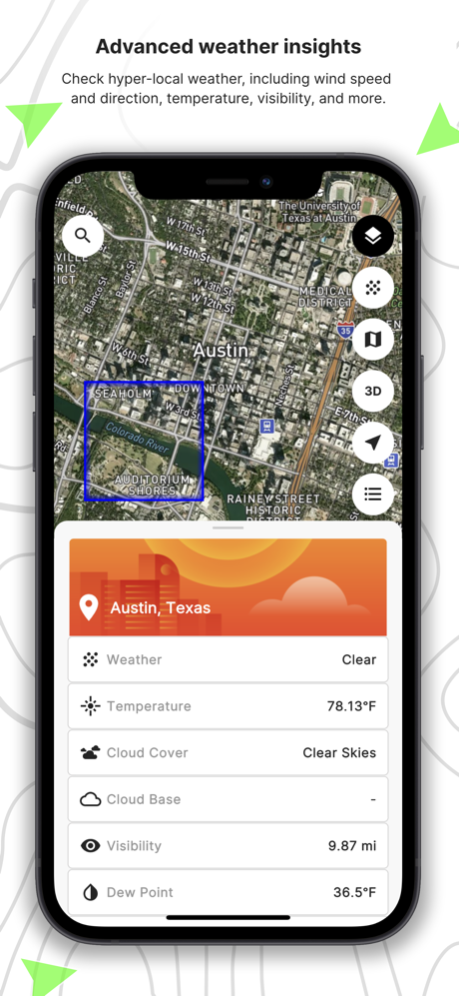
An all-in-one app to manage your entire drone workflow. With SkyGrid Flight Control, exploring airspace is easy, flights are automated, and insights are real-time. Our easy-to-use airspace map includes advanced weather, location, and regulatory insights to make more informed flight decisions. Our drone route planner minimizes manual workflows with automated mission plans and autonomous flight execution.
How it works:
1) Check airspace & weather: Evaluate airspace, location, and advanced weather insights to see where it’s safe to fly.
2) Plan a flight: Specify your flight parameters to automatically generate area exploration, waypoint, free flight, or multi-objective missions.
3) Launch mission: Connect your DJI drone and launch the mission to autonomously perform the predefined flight plan.
Features: For drone operators to gain access to airspace, plan and execute flights. Download SkyGrid Flight Control to get started.
- Airspace intelligence and advisories
- Advanced weather data
- Automated area exploration missions
- Autonomous flight execution
- DJI mobile SDK support
- Recommended drones: DJI Mavic 2 Pro, Mavic 2 Enterprise, Mavic Air, Mavic Air 2S, Mini, Mini, 2, M210 or Phantom 4 Pro V2
About SkyGrid:
SkyGrid, a Boeing, SparkCognition company, is powering the next generation of aviation. We are solving the industry’s biggest challenge of integrating unmanned aircraft in the global airspace and executing autonomous operations. SkyGrid is defining a future where highly automated aircraft operate without pilots onboard. We provide critical third-party air traffic management services for such aircraft to ensure operations of all participants in the air transportation system are safe and secure. With SkyGrid’s AerialOS™ we also help manage small UAS by providing airspace awareness, flight planning and fleet management services. Based in Austin, Texas, SkyGrid is enabling a wide variety of commercial drone operations from remote inspections to making autonomous flight a reality. For more information, visit skygrid.com.
Jul 19, 2023
Version 2.4.4
What's New
- Updated Terms of Service
- Simplified flight planning
- Disabled LAANC
About SkyGrid Flight Control
The company that develops SkyGrid Flight Control is SkyGrid. The latest version released by its developer is 2.4.4.
To install SkyGrid Flight Control on your iOS device, just click the green Continue To App button above to start the installation process. The app is listed on our website since 2023-07-19 and was downloaded 0 times. We have already checked if the download link is safe, however for your own protection we recommend that you scan the downloaded app with your antivirus. Your antivirus may detect the SkyGrid Flight Control as malware if the download link is broken.
How to install SkyGrid Flight Control on your iOS device:
- Click on the Continue To App button on our website. This will redirect you to the App Store.
- Once the SkyGrid Flight Control is shown in the iTunes listing of your iOS device, you can start its download and installation. Tap on the GET button to the right of the app to start downloading it.
- If you are not logged-in the iOS appstore app, you'll be prompted for your your Apple ID and/or password.
- After SkyGrid Flight Control is downloaded, you'll see an INSTALL button to the right. Tap on it to start the actual installation of the iOS app.
- Once installation is finished you can tap on the OPEN button to start it. Its icon will also be added to your device home screen.
Program Details
System requirements
Download information
Pricing
Version History
version 2.4.4
posted on 2023-07-19
Jul 19, 2023
Version 2.4.4
What's New
- Updated Terms of Service
- Simplified flight planning
- Disabled LAANC
version 2.3.12
posted on 2023-02-20
Feb 20, 2023
Version 2.3.12
- Enhanced LAANC support
version 2.1.0
posted on 2022-04-07
Apr 7, 2022 Version 2.1.0
What's New
- Advanced weather insights
- Map layer legends
- Improved network performance
- Enhanced UI responsiveness from touch input
- Broadened app localization
Bug Fixes
- Fixed map layer color mismatch on different appearance settings
- Fixed drone markers persistence in the SkyGrid Drones layer
- Fixed DJI remote controller and drone not fully connecting on first-time plugin
- Removed phone number from account for regions outside of the US
version 2.0.2
posted on 2022-02-24
Feb 24, 2022 Version 2.0.2
What's New
- Now available on iPhone
- Improved networking
- Improved notifications and alerts
- Improved performance when flight planning
- Improved performance when flying
- Smaller app size
- Support for lower end devices
- Improved drone flight code
- Added mnemonics (iPad Only)
- Added dark mode
- Improved animations
- More map styles
- Global release
Disclaimer
Official App Store Link
We do not host SkyGrid Flight Control on our servers. We did not scan it for viruses, adware, spyware or other type of malware. This app is hosted by Apple and passed their terms and conditions to be listed there. We recommend caution when installing it.
The App Store link for SkyGrid Flight Control is provided to you by apps112.com without any warranties, representations or guarantees of any kind, so access it at your own risk.
If you have questions regarding this particular app contact the publisher directly. For questions about the functionalities of apps112.com contact us.
